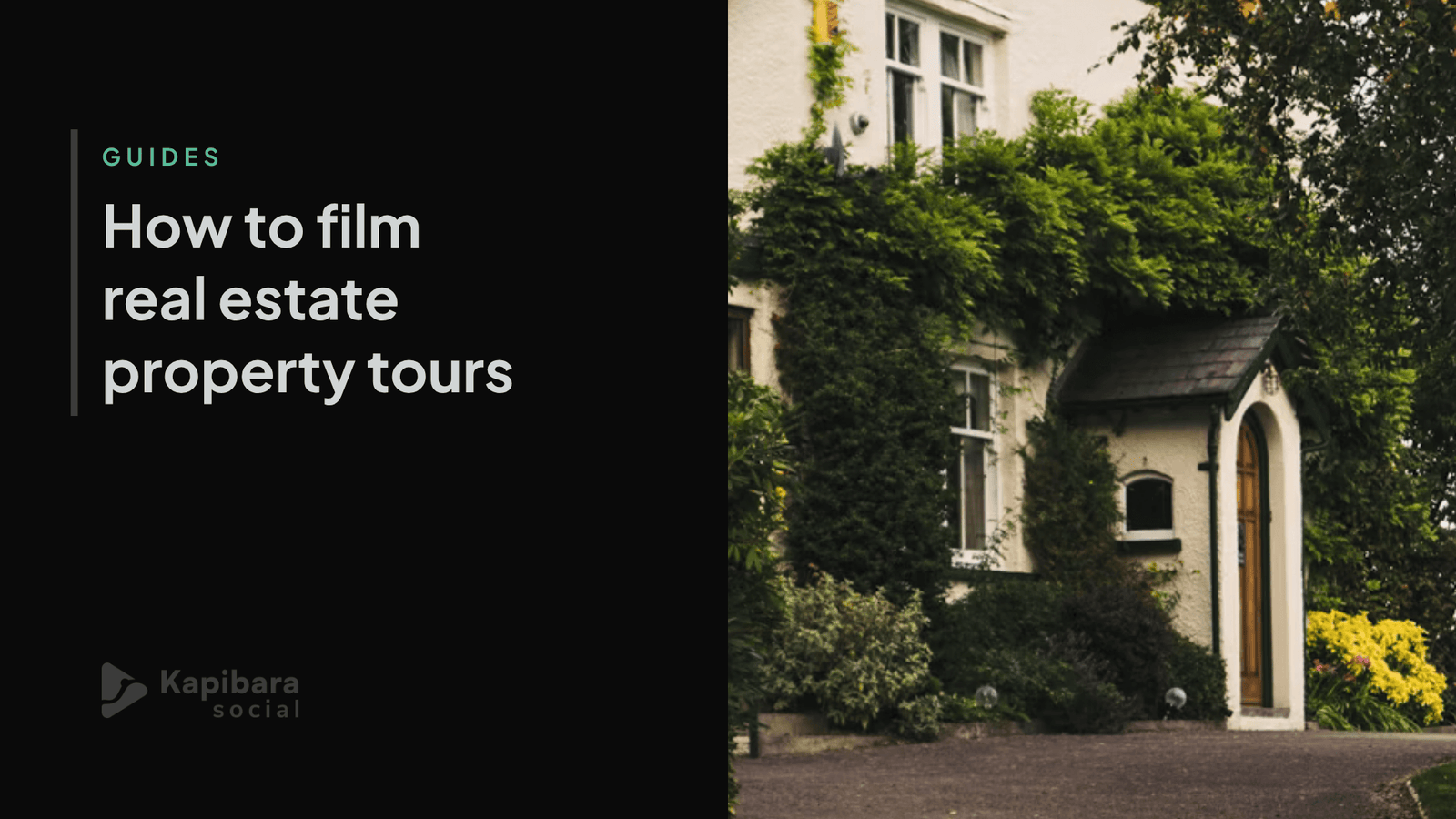
In this guide, we cover everything you need to know to get started from scratch or improve the property tour videos you produce for your agency.
ⓘ If you haven’t filmed your footage yet, this guide covers how to make the most of your phone, and if you need to find an editor, here are a few tips.
The 4 most common property tour styles
Photo slideshow: minimal cost and time, easy to put together. Works for properties mid-renovation, unfurnished homes, or when photography is all you have. The problem is that it shows little of the real space, builds little emotional connection, and usually gets the lowest engagement.
Agent on camera: someone appears on screen guiding the tour, pointing out details and answering what a buyer would ask in person. It builds rapport, humanises the brand, and builds personal reputation over time. In exchange, it takes confidence on camera, more filming time and, usually, several takes to get a natural result.
The house tour: one continuous shot through the whole property, from the front door to the last room. It gives a real sense of being there and is the format that best mirrors an actual viewing. It works very well on portals and YouTube. The risk: past 2-3 minutes without a single cut, attention drops fast.
Quick room-by-room cuts. Edited mini-clips with pace, usually one or two per room, strung together with sharp cuts and music. Works well on social media, but loses the sense of spatial flow since it’s not always clear how the rooms connect.
In practice, agents often combine styles and adapt the format to the channel, whether that’s a property portal, a website, or social media.
Vertical or horizontal?
The biggest mistake is filming with only one channel in mind and then trying to reuse that same footage everywhere else. This produces videos with black bars, crops that cut off part of the property, or shots that chop off whoever’s on camera.
So, as a general rule: if you’re filming exclusively for social platforms like Reels and TikTok, shoot natively vertical. If you need footage that works across both vertical and horizontal, always shoot horizontal and leave enough space in frame for adjustments.
Subtitles sell
On property portals and on social media alike, videos are often watched with the sound off. That means if there’s no text on screen, a large part of the information (price, square footage, number of bedrooms, location) never reaches the viewer, which makes subtitles and on-screen text a central part of how the property gets communicated, not just an extra.
Showcase your best rooms and views
It’s tempting to give every room equal time, but in practice, the videos that hold attention best are the ones that highlight the strongest points: the view, a renovated kitchen, a bright living room, or the one detail that sets the property apart. A hallway is useful for understanding how the rooms connect, but it doesn’t need the same screen time as a terrace with a sea view.
Music: the detail that can get your video muted
It’s common to add a well-known song in the background without thinking about copyright, or about the mood it actually creates. There’s a real risk that Instagram, TikTok or YouTube will automatically mute the video, limit its reach, or take it down entirely for copyright reasons. The safest way to avoid this is to use each platform’s own music library (Reels, TikTok) or royalty-free music.
It’s also worth thinking about what kind of feeling the background music should create, so it matches both the property and the kind of agency you are.
Drone footage: when it helps and when it’s money wasted
On large plots, houses with gardens, or properties where the setting is part of the value (views, land, proximity to the coast or countryside), an aerial shot can be the single most persuasive moment in the whole video. On a city flat with no terrace or notable views, on the other hand, it’s usually an added cost that adds little compared with a good walkthrough filmed from inside.
Real footage versus the risk of AI
Virtual staging and AI-generated imagery are becoming increasingly common in the sector. The risk is that buyers turn up to a viewing and the property doesn’t match what they saw online. It also tends to strip properties of their personality.
Real footage avoids both problems: no impossible effects, genuinely filmed, showing exactly what’s there. In an age where almost anything online could have been generated by AI, properties shown as they really are often spark more interest. In fact, stating in the description that the footage is real and untouched by AI has become a simple way to set yourself apart.
Frequently asked questions
Does someone need to appear in the video?
It depends on the goal. If you’re building a personal brand, having someone on camera helps. If the focus is the space itself, a continuous walkthrough or quick cuts usually work better. Many agents combine both depending on the property and the channel.
What can I do to improve my filming?
It comes down to a few things: good natural light, a steady shot, good sound, and filming in 4K. This guide goes into more detail on small changes that make a big difference to the raw footage.
What resolution do I need for Rightmove, Zoopla or Instagram?
1080p is enough for most portals — they’ll compress it on upload anyway. That said, filming in 4K gives your editor more room to crop, zoom and stabilise the footage without losing quality, so it’s worth it if you can.
Why does my video look fine on my phone but get cropped badly on the portal?
It’s almost always an orientation issue: it was filmed vertical and the portal expects horizontal, or the other way round. Filming with cropping in mind avoids this.
Do I need a gimbal or stabiliser to film a walkthrough on my phone?
It’s not essential, but it helps a lot with continuous walkthroughs, where a shaky shot stands out far more than in quick room-by-room cuts.
Can I use any background music?
Not always. Copyrighted music can get your video muted or limit its reach on social media. Each platform’s own music library is the safest option.
Is it worth showing that the video hasn’t been generated or edited with AI?
Yes, increasingly so. Stating this clearly in the video itself or in the listing helps you stand out in a market where AI-generated content is becoming more common.
At Kapibara Social, we tailor the content to whatever format you need. Take a look at our plans for estate agents.